Thread Matcher
Photograph any fabric, then tap the exact color you want to match.
Even light, no flash. Tap the shutter.
Move or resize the circle, then tap Match this area. Keep this photo, or choose Retake photo for a new one.
Circle size − +
Retake photo
Fill the frame with your fabric.
Hold the camera square to the cloth. Use even light and put the fabric, rather than the background, inside the target.

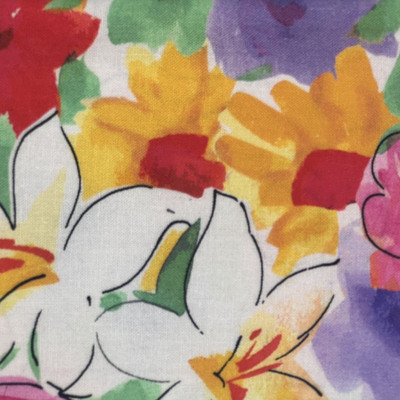
Guided example using the library’s quilting cotton. The result screens were captured from the actual app using these two sample areas.
Screen colors are a guide. Compare the suggested thread with a physical spool beside your fabric in the same lighting.